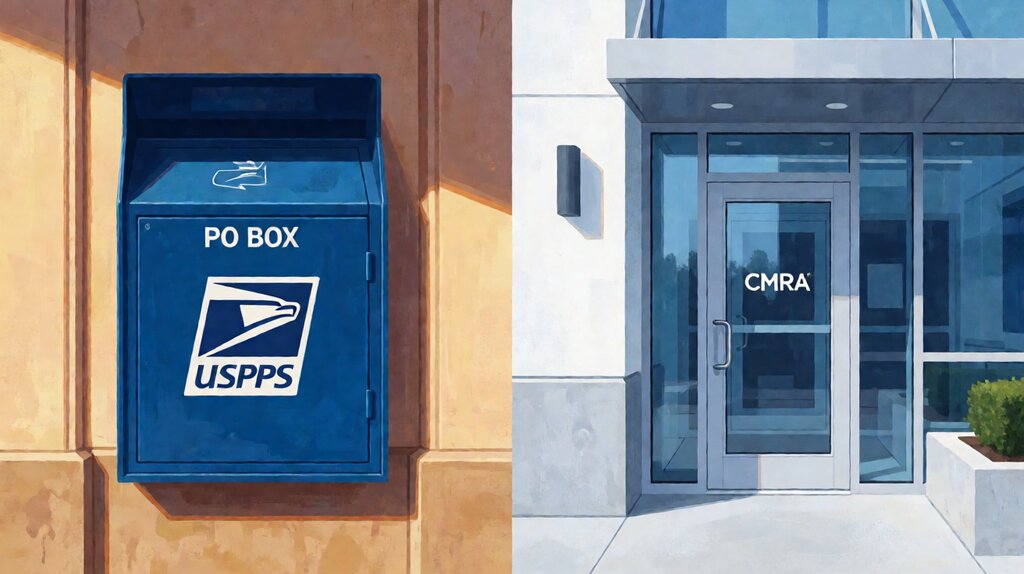

The honest difference between a virtual mailbox and a PO Box is not the price and not the address itself; it is the carrier coverage and the digital workflow.
A PO Box is a numbered compartment inside a US post office that only USPS can deliver to, that you walk up to with a key, and that hands you the physical envelope in person.
A virtual mailbox is a real commercial street address at a CMRA-registered third-party facility that accepts mail from USPS, UPS, FedEx, DHL, and Amazon, scans each item, and lets you open, forward, hold, or shred every envelope from any computer through an online dashboard.
For a personal mailbox that handles a few letters per month, the PO Box is a perfectly good answer and has been since 1961.
For any business that receives packages from commercial carriers (which covers every online retailer and almost every supplier) or that runs remote (which covers every solo founder not at a single desk), the PO Box stops working on day one.
That’s the gap a virtual mailbox fills.
A PO Box is a key-locked compartment at a US post office; a virtual mailbox is a digital mailbox at a commercial mail-receiving facility that covers the address and the workflow.
Key facts: PO Boxes cost $4 to $30 a month at USPS, accept only USPS deliveries, and require an in-person key pickup. Virtual mailboxes cost $9.99 to $130 a month, accept every major carrier, and let you action every item from a browser. The carrier coverage difference is the largest operational gap between them.
If you run a business that receives more than two packages a month from non-USPS carriers, the PO Box will fail within the first quarter.
UPS, FedEx, DHL, and Amazon Logistics will leave a “couldn’t deliver” notice at your door instead, because their drivers are not authorized to open the secure PO Box lobby.
The virtual mailbox accepts every carrier at the same physical address.
What each one actually is, in plain words
Side-by-side definitions first, because most of the confusion between the two comes from treating them as interchangeable. They are not.
PO Box (USPS). A rented, locked compartment inside a US post office or station.
The address format is “PO Box 123, Anytown, ST 99999” — no street line, no suite number.
The only carrier authorized to deliver to a PO Box is USPS.
UPS, FedEx, DHL, and Amazon cannot deliver to a PO Box; some offer a “smart locker” workaround at the same post office, but most just leave a slip.
You must pick up mail in person with a key (or in rare cases a code) during the post office’s business hours.
There is no digital dashboard, no remote access, and no remote opening.
Virtual mailbox (CMRA). A rented commercial street address at a third-party facility registered with USPS as a Commercial Mail Receiving Agency.
The address format is “123 Main Street, Suite 100, Anytown, ST 99999” — a real, recognizable street address.
Every major carrier can deliver, and many providers accept packages with weight limits (typically up to 50 lbs per item at most facilities).
You receive an email or app notification when each item arrives, with a scan of the envelope or label.
You then tell the operator what to do with each item through a browser or app: open and scan the contents, forward the physical envelope (via USPS, FedEx, or UPS), hold it for pickup, securely shred it, or in some plans deposit a check.
The two services are also priced on different curves. A PO Box is $4-$30 per month. A virtual mailbox is $9.99-$130 per month. A PO Box is cheaper; a virtual mailbox covers more ground.
| Decision criterion | PO Box (USPS) | Virtual mailbox (CMRA) |
|---|---|---|
| Address format | PO Box 123, Anytown ST 99999 (no street) | 123 Main St, Suite 100, Anytown ST 99999 (real street) |
| USPS delivery | Yes | Yes |
| UPS / FedEx / DHL / Amazon delivery | No — delivery slips left | Yes — accepted at the door |
| Pickup | In person with a key during post office hours | Browser or app — no in-person visit required |
| Digitize contents | No | Yes — open and scan to PDF |
| Forward physical envelope | No — pickup only | Yes — anywhere in the world, on demand |
| Check deposit | No | Yes (at most providers, on premium plans) |
| Acceptable for IRS or LLC filings | Yes for personal mailing; no for LLC principal office in most states | Yes for LLC Articles of Organization, registered agent, IRS, and KYC in most states |
| Cost | $4 — $30/month | $9.99 — $130/month |
For the more granular breakdown on the address side alone, the virtual mailing address page covers state-jurisdiction questions, registered-agent boundaries, and what the address itself unlocks.
The privacy question — which one keeps your address out of public records
A PO Box and a virtual mailbox both pull your address off the public record — but in different ways, and with different ceilings.
A PO Box as primary address. USPS allows you to use a PO Box as a mailing address for personal matters and as a mailing address (not principal office) for some business entities.
The drawback is that any business you register with the Secretary of State will still typically ask for a “principal office” address, which most states require to be the location where you keep your business records — you can’t list a PO Box there.
So a PO Box hides your home address from junk mail but not from your LLC filings.
A virtual mailbox as primary address. A CMRA address is a real commercial street address that you can put on Articles of Organization as the LLC’s principal office in most states.
Some filings require a registered agent service (a person or service authorized to accept service of process), which is technically separate from your mailing address, but most virtual mailbox providers offer the registered agent as a $25-$49 per-state add-on that uses the same physical facility.
What neither solves. Neither a PO Box nor a virtual mailbox hides your ownership from KYC.
To open a US bank account, you will need to provide your personal details to the bank’s compliance team; the address is on the bank letter.
To complete Form 1583 with the CMRA, you provide two forms of ID.
If your goal is full privacy from any US state agency or the federal government, no commercial mail service provides that.
The cost question — when the headline price stops being the price
The cheapest PO Box ($4/month in rural areas, $8-$15 in most cities) is genuinely cheapest. The cheapest virtual mailbox ($9.99/month) is within a few dollars of the cheapest PO Box in an urban area. The gap appears in the second and third years, when the PO Box stays cheap and the virtual mailbox grows as you add features.
| Service | Year 1 (with $40 setup) | Year 2 (steady state) | Action per piece |
|---|---|---|---|
| PO Box (USPS) | $56 — $220 | $48 — $180 | Free pickup |
| Anytime Mailbox ($9.99) | $159 | $120 — $300 with overage | $0.50 per scan page beyond 10 |
| US Global Mail ($49) | $589 | $589 | Beyond 360 scans/yr: ask |
| EarthClassMail ($40) | $480 | $480 | $0.25 per scan page beyond 40/mo |
Year 2 is the honest comparison — by then setup is amortized and you know what features you actually use. For a small business that scans 30-60 pages a month and forwards 2-4 pieces a month, the real cost lands in the $120-$300 range. For a solo founder who scans 10 pages a month and only needs the address, Anytime Mailbox’s $9.99 plan is enough.
For the broader pricing question — what each tier costs at each usage level, including shipping and storage fees — the virtual mailbox cost page covers the full math.
The scenario question — which one makes sense at your stage of business
The PO Box and the virtual mailbox each fit a different business reality. Most buyers start with a PO Box and graduate to a virtual mailbox; some stay with a PO Box for years because the PO Box fits the way their business works.
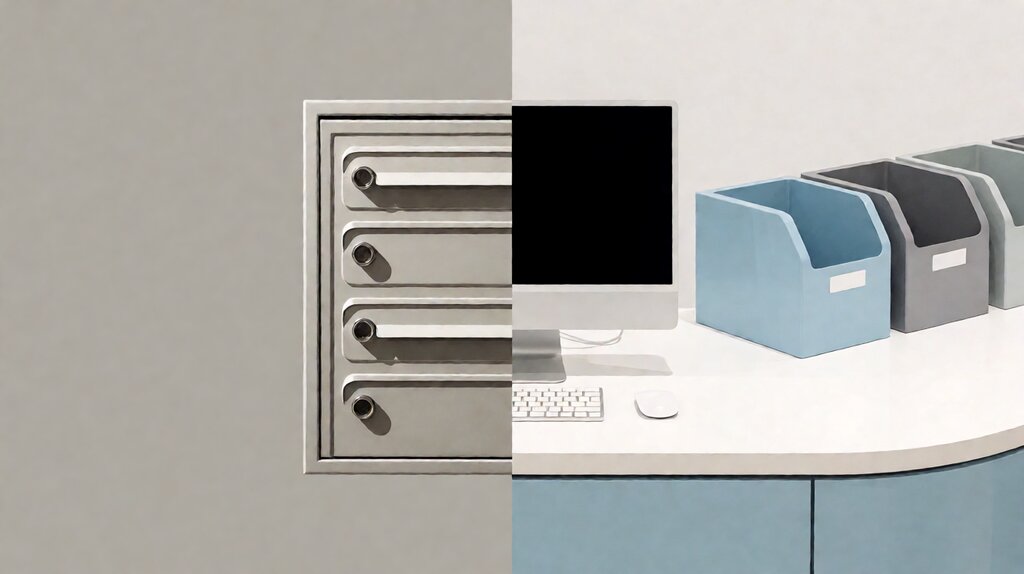
Use a PO Box if your mail is mostly personal and low-volume (under 5 pieces a month), you can reliably pick it up in person, and your business doesn’t take commercial packages or process client paperwork. The PO Box is durable, cheap, and unchanged.
Use a virtual mailbox if you receive any non-USPS packages, you run a remote or hybrid business, you want to open and scan letters from a phone, you need a real street address for any filing, or you cannot reliably pick up mail at a fixed location.
The virtual mailbox covers everything a PO Box does and more — at a higher price, with more regulations.
For the digital side — how the open-and-scan, forward, hold, and shred workflow actually works on a virtual mailbox — the virtual mailbox mail forwarding page goes through each action and the typical fee.
The honest traps: what each option does not tell you up front
Both the PO Box and the virtual mailbox have marketing copy that does not match the day-to-day experience. Three traps on each side.
PO Box traps. First, a PO Box is fine for mail but not for parcels.
Even USPS parcels go to PO Boxes only when they fit through the slot, which is anything too large (boxes from Amazon fulfillment, certain product returns, larger checks).
Second, post office hours are not what most people expect — many small-town post offices close at 4 PM, some are closed on Saturdays, and almost no PO Box lobby is open 24/7 unless you specifically paid for a PO Box at a flagship.
Third, every PO Box renewal is in-person: you have to show ID at the counter to renew; USPS will not renew online for most customers.
Virtual mailbox traps. First, carriers will deliver to a CMRA address, but they will refuse to do so if the recipient name on the package is not the same as the one on your Form 1583.
Common failure: Amazon Prime addresses pre-populated to your home address are not authorized for the CMRA facility.
Update the recipient name to match the Form 1583 first.
Second, open-and-scan page costs add up; an entry-level $9.99 plan with $0.50 per scan page becomes a $50/month plan after a single month of normal client paperwork.
Third, “free storage” ends — at 30-60 days, daily charges start.
Items left behind for two months at a busy CMRA facility are sometimes discarded to recover the slot.
Choose the option that matches your scenario
Stay on a PO Box if your situation is largely personal mail plus occasional small packages you can pick up at a fixed post office, you don’t file any business entity at the PO Box, and you don’t need to digitize mail remotely. The PO Box has been doing this job for sixty years and works fine for buyers in that lane.
Move to a virtual mailbox if you need any one of: real street address on business filings, packages from UPS, FedEx, DHL, or Amazon, remote access to your mail, scanned copies of any letter, or the option to forward mail anywhere in the world on demand. The virtual mailbox is the more expensive option and it has more rules, but it has more reach.
The decision usually comes down to one question: do you need to walk or do you need a browser?
If the answer is “I need a browser because I travel, I work from home, or my business is in another state than my body,” a virtual mailbox pays for itself in the first quarter for almost every small business — and for that provider-specific math, the best virtual mailbox service for small business comparison runs through the three providers worth picking from today.
Last updated: October 2026