
Customer relationship management software is the system a small business uses to track every lead, conversation, deal, and renewal in one place instead of scattered across inboxes, spreadsheets, and sticky notes. For a team under 25 people it usually replaces three separate tools: a contact list, a deal tracker, and a follow-up reminder system.
The painful version of this problem is familiar. A lead fills out a form on Friday, the owner means to reply Monday, and by Wednesday the lead has booked with a competitor who answered in two hours. CRM software exists to close that gap by turning every inbound signal into a tracked task with an owner and a due date.
For most small businesses with under 25 staff, a free or low-cost CRM with pipeline stages, email sync, and mobile access is enough; pay only when you need automation, reporting, or more than two users.
Key facts: free tiers cover 1-3 users; paid plans run $15-30 per user per month; setup takes one to two weeks; expect a 10-20% lift in follow-up completion within 60 days.
What a CRM Actually Does for a Small Business
A CRM is not a database of names. It is a workflow engine that moves a contact from unknown to customer to repeat buyer while recording every touchpoint. The four functions that matter for a small business are contact management, deal pipeline, task and follow-up automation, and reporting.
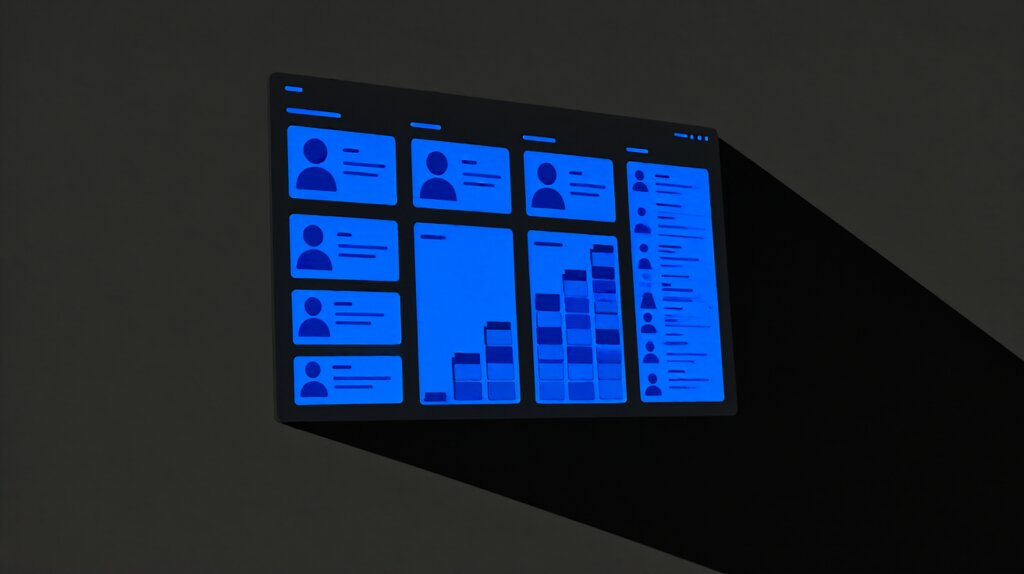
Contact management keeps a single record per person with email, phone, company, and every interaction. The deal pipeline shows each opportunity as a card moving through stages such as New Lead, Qualified, Proposal, and Won. Task automation creates the follow-up reminder the moment a stage changes. Reporting answers questions like which source produces the most revenue and how long deals sit in each stage.
Minimum Viable CRM Setup
Start with five fields only: name, email, company, deal stage, and next action date. Add custom fields only after you have used the five for a month and still feel a gap. Extra fields early on become clutter that nobody fills in.
The Four Types of CRM Small Businesses Actually Buy
Most small business CRMs fall into four categories. All-in-one platforms such as HubSpot and Zoho bundle CRM with marketing, service, and billing. Sales-focused tools such as Pipedrive and Close optimize for outbound calling and deal velocity.
Industry-specific CRMs such as Jobber for field service or Clio for law firms ship with templates for that trade. Lightweight contact managers such as Less Annoying CRM and Nimble stay deliberately simple.
The right category depends on whether your revenue comes from many small transactions or a few large ones. High-volume low-ticket businesses need automation and email sequences. Low-volume high-ticket businesses need pipeline visibility and reminders more than automation. See also our guide to best helpdesk software for small business and best time tracking software.
| CRM type | Best for | Typical price | Examples |
|---|---|---|---|
| All-in-one | Teams wanting one vendor | $0-$50/user/mo | HubSpot, Zoho, Freshsales |
| Sales-focused | Outbound-heavy teams | $15-$99/user/mo | Pipedrive, Close, Copper |
| Industry-specific | Regulated or field trades | $30-$150/user/mo | Jobber, Clio, ServiceTitan |
| Lightweight | Solo owners, 1-3 staff | $10-$25/user/mo | Less Annoying CRM, Nimble |
A Five-Step Selection Framework

Step one is to count your contacts and users honestly. A solo consultant with 200 contacts does not need the same tool as a 15-person agency with 5,000. Step two is to list the three tasks you do most often, such as logging a call, sending a proposal, or chasing an unpaid invoice.
Step three is to test whether the CRM handles those three tasks in under 30 seconds each on a phone.
Step four is to check the integration list against the tools you already pay for. If your CRM does not sync with your email, calendar, and accounting tool, you will end up copying data by hand.
Step five is to run a 14-day trial with real data, not demo data, and measure whether follow-up completion improves.
Pricing: What You Actually Pay
Free tiers are genuinely usable for one to three users. HubSpot Free, Zoho Free, and Freshsales Free all include contact management and a basic pipeline. The catch is that automation, reporting, and email sequences sit behind paid plans, and the jump is steep: most teams land on a $20 to $30 per user per month plan within six months.
Budget for the hidden costs. A realistic first-year cost for a five-person team is $2,300 to $7,500 depending on the tier, because one-time onboarding fees and usage charges rarely appear in the headline seat rate. Data migration from a spreadsheet takes 5 to 15 hours. Training a team of five takes a week of part-time effort. Annual billing discounts of 10 to 20% are common but lock you in for a year. For the seat-by-seat numbers behind those ranges, read our CRM software pricing breakdown.
| Team size | Realistic first-year cost | Main cost driver |
|---|---|---|
| 1-3 users | $0-$900 | Free or entry tier plus setup time |
| 4-10 users | $1,200-$7,500 | Per-seat licenses plus onboarding |
| 11-25 users | $4,000-$13,500 | Licenses plus onboarding fees |
Features Worth Paying For and Features That Are Hype
Worth Paying For
Worth paying for: two-way email sync so every reply lands on the contact record automatically, mobile apps with offline access for field staff, workflow automation that moves deals between stages, and dashboards that show pipeline value by owner. These four features change daily behavior and pay for themselves within a quarter.
Usually Hype
Usually hype for a small business: AI lead scoring, predictive forecasting, and custom object builders. These are powerful at scale but require clean data and dedicated admin time that a small team rarely has. Buy them later, after the basics are habitual.
Common Mistakes That Kill CRM Adoption
The first mistake is importing a messy spreadsheet and hoping the CRM will clean it. Deduplicate and standardize before import, or you will distrust the data within a month. The second mistake is buying for features rather than for the three tasks you do daily; a tool with 200 features you never open is worse than a tool with 20 you use every day.
The third mistake is skipping the follow-up rule. A CRM only works if every new lead gets a task with a due date within 24 hours. Without that discipline, the CRM becomes a graveyard of contacts nobody calls. The fourth mistake is switching tools every year chasing a better price; migration cost usually exceeds two years of the price difference.
CRM by Business Type
Service businesses such as agencies, consultants, and trades need scheduling, quoting, and invoicing alongside the pipeline, so an all-in-one or industry-specific tool fits best. Product businesses need order history and repeat-purchase triggers, which points to a CRM tied to the ecommerce platform. B2B sellers with long cycles need lead scoring and multi-stakeholder tracking, which favors a sales-focused tool.
Freelancers and solo operators often do better with a lightweight tool or even a well-built spreadsheet until they have 50 or more active leads. Buying a full CRM at 10 leads adds friction without adding revenue. For a broader stack view, read best SaaS tools for small business.
Security and Data Ownership
Ask three questions before signing. Where is the data stored and under which jurisdiction. Can you export all data including notes and attachments in a standard format at any time. Does the vendor support two-factor authentication and role-based permissions so a departed employee cannot take the contact list.
For US and EU businesses, confirm the vendor offers a data processing agreement and is compliant with GDPR and CCPA where applicable. A CRM holding customer data is a liability if the vendor cannot answer these questions in writing.
Migration: Moving From Spreadsheets or Another CRM
Export from the old system as CSV with one row per contact and columns for email, phone, company, deal stage, and owner. Clean duplicates by email address, then import into the new CRM with field mapping. Run both systems in parallel for two weeks so nothing falls through the cracks, then cut over on a Monday and archive the old data.
Plan for data loss. Notes, email threads, and custom fields rarely map cleanly. Decide in advance which history is worth re-entering manually and which can be archived as a PDF reference.
When a CRM Is the Wrong Choice
If your business has fewer than 30 active leads at any time and one person handles all sales, a CRM adds overhead without adding revenue. A shared spreadsheet with columns for name, status, last contact, and next action is enough. Revisit the decision when you hire a second salesperson or cross 50 active leads, because that is the point where shared memory stops scaling.
A CRM is also the wrong choice when the real problem is lead generation rather than lead management. If the pipeline is empty, software will not fill it. Fix the top of the funnel first, then add a CRM to manage what comes in.
Basis: vendor pricing pages and independent reviews, verified 2026-11; figures change, confirm with the vendor before purchase. No hands-on testing of every product was performed. Editorial only. Last updated 2026-11-08.