


Client portal software is a secure, branded online space where your clients log in to view documents, send messages, sign forms, and track project status without email back-and-forth. If you have ever hunted through a 40-email thread for the latest version of a contract, a client portal is the fix: one link, one source of truth, one place for everything a client needs.
The category is crowded and the labels overlap. Some vendors sell “client portals,” others sell “document portals,” “project portals,” or “customer portals.” Underneath the marketing, the useful question is simpler: does this tool reduce the number of places where client information lives? If it does, it earns its monthly fee.
A good client portal replaces email as the system of record; a bad one just adds another inbox.
Key facts at a glance:
- Client portal software centralizes documents, messages, and status in one branded space.
- Typical cost ranges from free tiers to $50-$200 per month depending on users and features.
- Security basics to verify: encryption in transit and at rest, role-based access, audit logs.
- Bank statements and invoices are among the most common documents shared through portals.
- Switching portals is painful, so evaluate before committing.
What client portal software actually does
At its core, a client portal does four jobs. It stores and shares documents: contracts, invoices, statements, deliverables, and reports, with version control so nobody works from an old file. It handles secure messaging: threaded conversations tied to a project or document instead of scattered across inboxes.
It collects information: intake forms, questionnaires, and file uploads from clients. And it shows status: project milestones, task progress, and outstanding items in a dashboard the client can check without asking you.
Some portals add e-signatures, payment collection, white-label branding, and integrations with accounting or project management tools. Those are valuable, but they are layers on top of the four core jobs. When evaluating vendors, confirm the core four work well before paying for the extras.
Who needs a client portal
The fit is strongest for service businesses that exchange documents and status updates repeatedly with the same clients: accountants and bookkeepers, law firms, marketing agencies, consultants, mortgage brokers, and IT service providers. The common thread is recurring client relationships where email becomes the default filing cabinet and slowly turns into a liability.
It is a weaker fit for transactional businesses with one-off customers, or for teams already running a mature project management tool that clients already access. In between sits the growing firm that starts by sharing files over email and migrates once the search-and-version problem costs more time than a portal subscription.
Must-have features
Not every feature matters equally. These are the ones that separate a useful portal from a brochure site. Secure document sharing with granular permissions: who can see, download, or edit each file. Threaded messaging tied to a project or document, not a global inbox.
A client dashboard showing status without you having to send an update. File upload with size limits and type restrictions. Search across documents and messages. Mobile access that actually works, because most clients open the portal on a phone.
Nice-to-have features include e-signatures, payment links, white-label branding, and SSO. Treat them as tie-breakers between two otherwise equal options, not as primary criteria.

Security and compliance basics
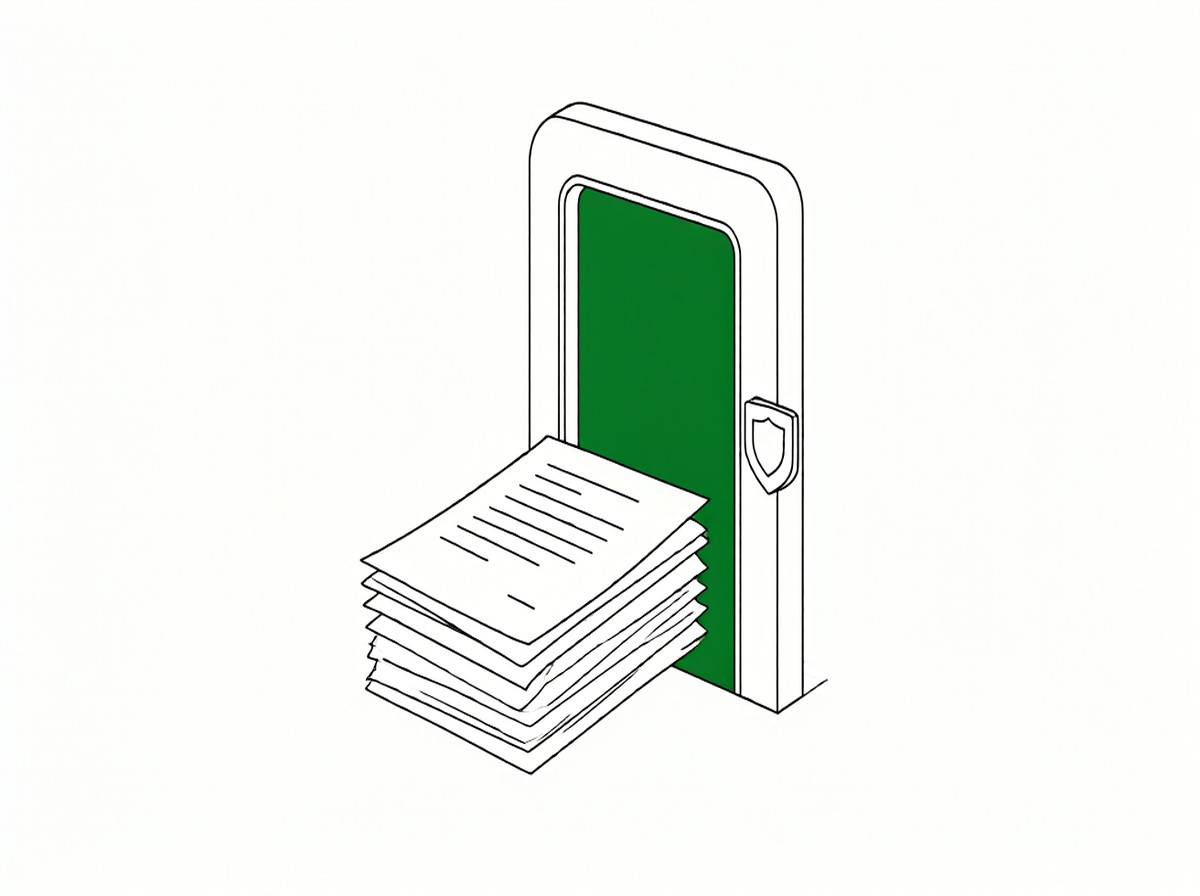
A portal holds client data, so security is not optional. Verify four things. Encryption in transit (TLS) and at rest (AES-256 or equivalent). Role-based access control so a client sees only their own files. Audit logs showing who accessed what and when. And a clear data retention and deletion policy, including what happens when you cancel.
For regulated industries, check compliance claims carefully. SOC 2 Type II, HIPAA, and GDPR are meaningful certifications, but only if they cover the actual service you are buying and are current. Ask for the report, not just the logo on the pricing page.
How to choose: a practical framework
Start with your client. See freelancer bank statement Excel guide for a related workflow.’s experience, not your feature wishlist. List the five most common client interactions: which documents do they request, which questions do they ask repeatedly, which status updates do they chase you for? The portal should make those five things self-serve. If it does not, no feature list will save it.
Next, count your users honestly. Many portals price per client seat, and a price that looks cheap at five clients becomes expensive at fifty. Model the cost at your current size and at your expected size in twelve months. Then trial the portal with one real client on one real project. A two-week trial with a friendly client reveals more than any demo.
Bank statements and invoices: the document problem
Two document types dominate most client portals: invoices and bank statements. Invoices are straightforward. Bank statements are harder, because they arrive as PDFs from dozens of different institutions, each with its own layout, and clients expect them readable and reconciled.
If your service involves reviewing or reconciling client bank statements, the portal should either store them cleanly or link to the tool that processes them. A statement that arrives as a scanned PDF and stays a scanned PDF is not useful to anyone.
Converting it to a structured file first saves everyone time. If you handle statements regularly, a tool like bookkeeping from PDF bank statements is a useful reference for the workflow, and Easy Statement Sheet turns the PDF into a four-column file you can share or reconcile inside the portal.
Common mistakes when buying
Three mistakes recur. Buying for features you will never use while the core four are clunky. Underestimating onboarding: a portal only works if clients actually log in, and that takes a migration plan and a short tutorial. And ignoring data portability: confirm you can export all documents and messages if you leave, in a format you can actually use.
Quick questions before you choose
Is client portal software the same as a CRM?
No. A CRM manages your sales pipeline and contacts; a portal is the client-facing space where those contacts view documents and status. Some tools do both, but the portal is the client side.
How much does a client portal cost?
Free tiers exist for small teams; paid plans typically run $50 to $200 per month depending on users and features. Model the cost at your expected size in twelve months.
Can clients upload files through the portal?
Yes, most portals support client file uploads with size and type limits. Confirm the limits match your largest expected files before committing.
Bottom line
Client portal software is worth it when it genuinely reduces the number of places client information lives and the number of emails you answer. Start with the five interactions your clients repeat most, trial with one real client, and verify security and data portability before signing.
The right portal disappears into the background and makes you look organized; the wrong one becomes another tab nobody opens.
Last updated: 2026-10-30. Editorial overview based on public sources; not hands-on tested against every provider. General information only, not legal or security advice.




